
iPhone · iPad · Mac
Watch Hub Player
Your TV, movies and series
Play live TV, movies and series from a compatible service you connect, with profiles, My List and progress synced across your devices.

iPhone and iPad with iOS 17 or later · Mac with macOS 14 or later
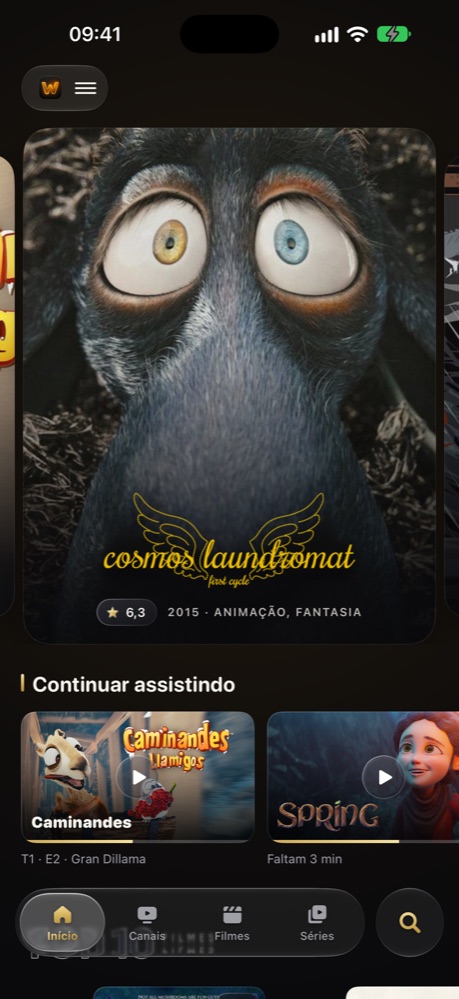
A player, not a provider
Watch Hub Player is a media player. It does not provide, sell or host channels, movies, series or playlists. To use the app, you need access credentials from a compatible service.
Only play content you are authorized to access.
We respect copyright and cooperate with rights holders: if content is being accessed improperly through the app, write to suporte@watchhub.me. After review, we remove the access of the user involved.
Features
Made for comfortable watching
A Home that highlights
Highlights, Top 10 and Continue Watching to find what to watch in seconds.
Profiles and My List
Everyone gets their own profile, list and progress, synced across iPhone, iPad and Mac.
Audio, subtitles and PiP
Pick the audio track and subtitles, and keep watching in Picture in Picture.
On the living room TV
Cast with AirPlay, Google Cast (iPhone and iPad) and DLNA to compatible TVs.
Parental controls
A PIN and blocked categories to decide what kids can watch.
Designed for every screen
A sidebar on iPad, a window and keyboard shortcuts on Mac, and a layout made for iPhone.
Compatibility
One app for all your devices
The same App Store app works on iPhone, iPad and Mac. Your profiles and progress go with you.
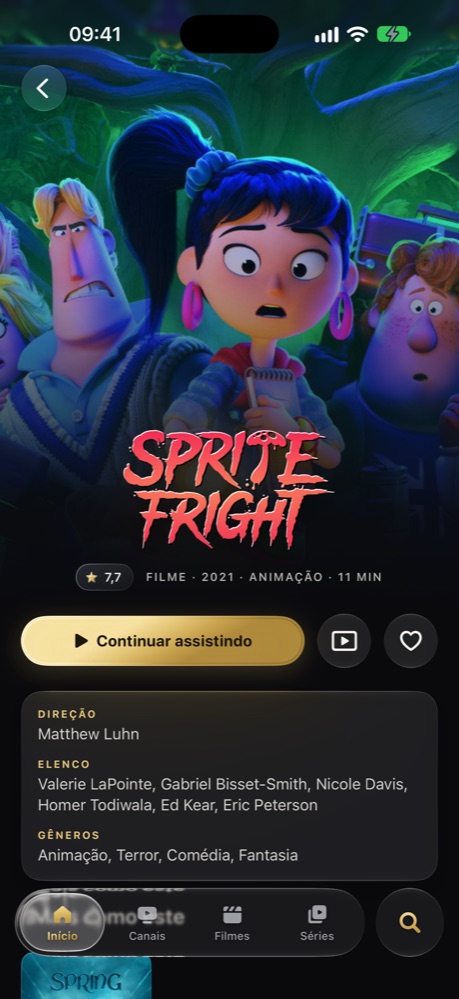
iPhone
iOS 17 or later

iPad
iPadOS 17 or later
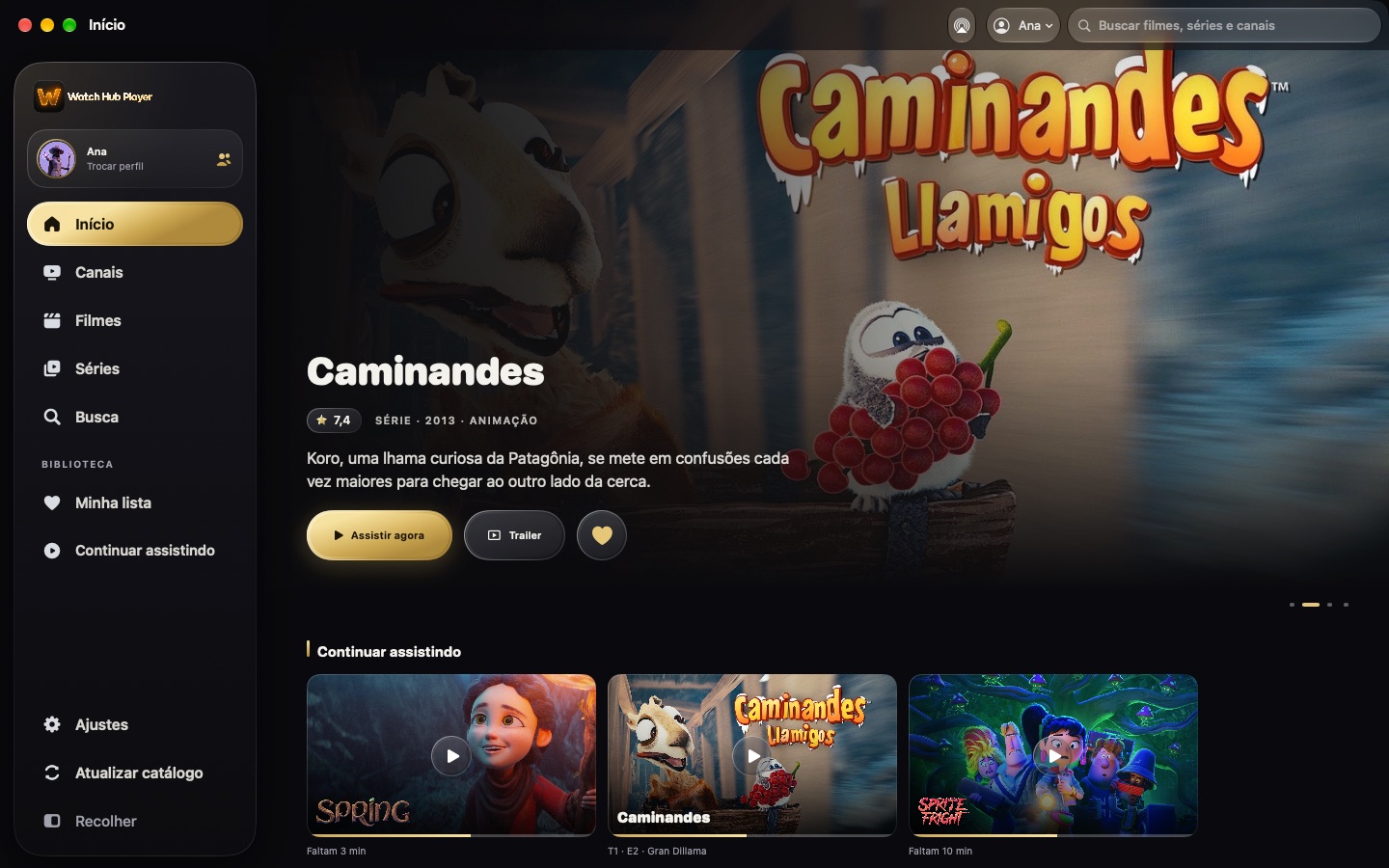
Mac
macOS 14 Sonoma or later, native app
Support
We are here to help
Talk to us
suporte@watchhub.meTell us which device you use and what happened, and we will reply by email.
Send an emailDoes the app come with channels, movies or series?
No. Watch Hub Player only plays content from the service you connect. It does not provide, sell or host any content.
Where do I get my access details?
From the provider of the compatible service you use. They give you the code, username and password to sign in.
How do I sign out?
In Settings, choose Sign Out. On Mac, Settings also opens with ⌘,.
How do I request deletion of my account and data?
Send your request to suporte@watchhub.me. Details are in the Privacy Policy.
Which devices are supported?
iPhone and iPad with iOS 17 or later, and Mac with macOS 14 or later.